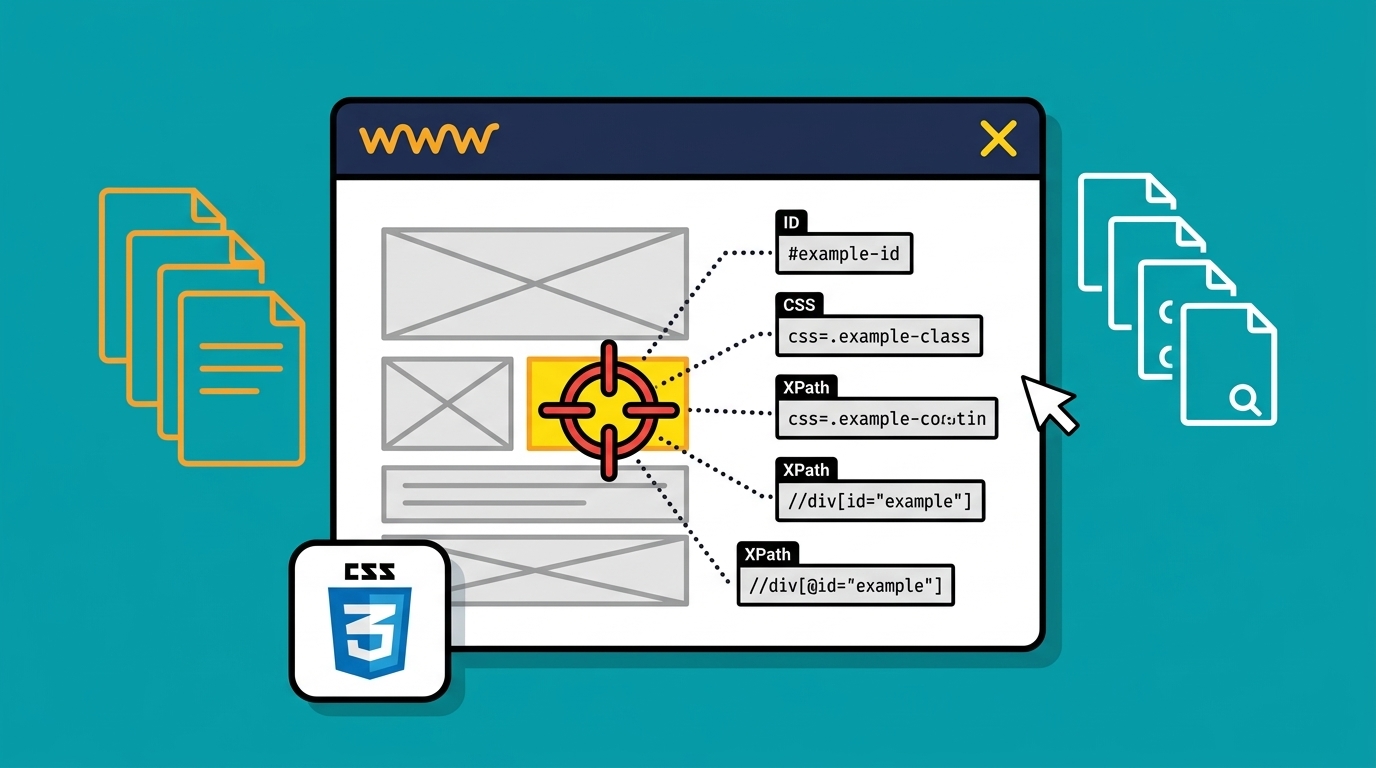
As you know, I am keen on every kind of automation especially related to web technologies. So, I enjoy using Selenium WebDriver. You can find lots of materials in my WebDriver Series. A big part of the job of writing maintainable and stable web automation is related to finding the proper element’s locators. So, I created the first and most exhaustive Selenium WebDriver cheat sheet dedicated to the locators. I hope that you will find it quite useful. Enjoy!
Download Most Exhaustive WebDriver Locators Cheat Sheet PDF
Initially, I created the cheat sheet while we developed the first versions of the BELLATRIX automated testing framework. Мost of the stuff in it are still relevant.
Default FindElement WebDriver Methods
_driver.FindElement(By.Id("userName"));
_driver.FindElement(By.ClassName("panel other"));
_driver.FindElement(By.CssSelector("#userName"));
_driver.FindElement(By.LinkText("Automate The Planet"));
_driver.FindElement(By.Name("webDriverCheatSheet"));
_driver.FindElement(By.PartialLinkText("Automate"));
_driver.FindElement(By.TagName("a"));
_driver.FindElement(By.XPath("//*[@id='panel']/div/h1"));
Default FindsBy WebDriver Attributes
[FindsBy(How = How.Id, Using = "userName")]
[FindsBy(How = How.ClassName, Using = "panel other")]
[FindsBy(How = How.CssSelector, Using = "#userName")]
[FindsBy(How = How.LinkText, Using = "Automate The Planet")]
[FindsBy(How = How.Name, Using = "webDriverCheatSheet")]
[FindsBy(How = How.PartialLinkText, Using = "Automate")]
[FindsBy(How = How.TagName, Using = "a")]
[FindsBy(How = How.XPath, Using = "//*[@id='panel']/div/h1")]
private IWebElement _myElement;
Complete XPath Locators’ List
| XPath Locator | Explanation |
|---|---|
//img | image element |
//img[@id='myId'] | image element with @id= ‘myId’ |
//img[@id!='myId'] | image elements with @id not equal to ‘myId’ |
//img[@name] | image elements that have name attribute |
//*[contains(@id, 'Id')] | element with @id containing |
//*[starts-with(@id, 'Id')] | element with @id starting with |
//*[ends-with(@id, 'Id')] | element with @id ending with |
//*[matches(@id, 'r')] | element with @id matching regex ‘r’ |
//*[@name='myName'] | image element with @name= ‘myName’ |
//*[@id='X' or @name='X'] | element with @id X or a name X |
//*[@name="N"][@value="v"] | element with @name N & specified @value ‘v’ |
//*[@name="N" and @value="v"] | element with @name N & specified @value ‘v’ |
//*[@name="N" and not(@value="v")] | element with @name N & not specified @value ‘v’ |
//input[@type="submit"] | input of type submit |
//section[//h1[@id='hi']] | returns <section> if it has an <h1> descendant with @id= ‘hi’ |
//table[count(tr) > 1] | return table with more than 1 row |
//*[.="t"] | element containing text ‘t’ exactly |
//a[contains(text(), "Log Out")] | anchor with inner text containing ‘Log Out’ |
//a[not(contains(text(), "Log Out"))] | anchor with inner text not containing ‘Log Out’ |
//a[@href="url"] | anchor with target link ‘url’ |
//img/*[1] | first child of element img |
//ul/child::li | first child ‘li’ of ‘ul’ |
//img[1] | first img child |
//img/*[last()] | last child of element img |
//img[last()] | last img child |
//img[last()-1] | second last img child |
//input/following-sibling::a | ’a’ following some sibling ‘input’ |
//a/following-sibling::* | sibling element immediately following ‘a’ |
//input/preceding-sibling::a | ’a’ preceding some sibling ‘input’ |
//input/preceding-sibling::*[1] | sibling element immediately preceding ‘input’ |
//img[@id='MyId']::parent/* | the parent of image with id |
//*[@id="TestTable"]//tr[3]//td[2] | cell by row and column |
//td[preceding-sibling::td="t"] | cell immediately following cell containing ‘t’ exactly |
//td[preceding-sibling::td[contains(.,"t")]] | cell immediately following cell containing ‘t’ |
//input[@checked] | checkbox (or radio button) that is checked |
//a[@disabled] | all ‘a’ elements that are disabled |
//a[not(@disabled)] | all ‘a’ elements that are not disabled |
//a[@price > 2.50] | ’a’ with price > 2.5 |
//ul[*] | ’ul’ that has children |
Complete CSS Selectors’ List
| CSS Locator | Explanation |
|---|---|
ul#myId | ’ul’ element with @id= ‘myId’ |
#myUniqueId | any element with @id= ‘myId’ |
ul.myForm | ’ul’ element with @class = ‘myForm’ |
.myForm.front | any element with @classes = ‘myform’ and ‘front’ |
ul#myUniqueId > li | direct child element |
ul#myUniqueId li | sub child element |
ul[name = "automateName"][style = "style_name"] | ’ul’ element with attributes @name =‘automateName’ and @style= ‘style name’ |
ul[id = "myId"] | ’ul’ element with @id=‘myId’ |
ul[@id] | elements with @id attribute |
*[name='N'][value='v'] | elements with name N and specified value ‘v’ |
ul[id ^= "my"] | all elements with an attribute beginning with ‘my’ |
ul[id$= "Id"] | all elements with an attribute ending with ‘Id’ |
ul[id *= "unique"] | all elements with an attribute containing the substring ‘unique’ |
ul[id ~= "unique"] | all elements with an attribute containing the word ‘unique’ |
ul#myUniqueId li:first-child | first child element |
ul#myUniqueId li:nth-of-type(1) | first child element |
ul#myUniqueId li:last-child | last child element |
ul#myUniqueId li:nth-of-type(3) | last child element |
div > p | all <p> elements that are a direct descendant of a <div> element |
div + p | all <p> elements that are the next sibling of a <div> element (i.e. placed directly after) |
div ~ p | all <p> elements that follow, and are siblings of <div> elements |
a:link | all unvisited links |
a:visited | all visited links |
a:hover | all links on mouse hover |
input:active | every active <input> element |
input:disabled | every disabled <input> element |
input:enabled | every enabled <input> element |
input:focus | the <input> element which has focus |
input:read-only | <input> elements with the ‘readonly’ attribute specified |
input:required | <input> elements with the ‘required’ attribute specified |
input:checked | checkbox (or radio button) that is checked |
form myForm.front + ul | next sibling |
a:contains('Log Out') | anchor with inner text containing ‘Log Out’ |
a[href='url'] | anchor with target link ‘url’ |
#TestTable tr:nth-child(3) td:nth-child(2) | cell by row and column (e.g. 3rd row, 2nd column) |
td:contains('t') ~ td | cell immediately following cell containing ‘t’ |
p:lang(language) | all <p> elements with a @lang attribute equal to ‘language’ |